


Time.
Say you want to save a cooking reel from Instagram. You can forward it to yourself on WhatsApp, which takes around ten seconds. You can use Instagram's own save, or take a screenshot. Every option costs you time.
The fastest way to save anything on your phone, and the most reliable way to find it again.
Pockit is a daily utility. It is your Digital Pockit.
Every time you save something on your phone, an Instagram reel, a YouTube short, a screenshot or a link, you run into five problems at once.
Say you want to save a cooking reel from Instagram. You can forward it to yourself on WhatsApp, which takes around ten seconds. You can use Instagram's own save, or take a screenshot. Every option costs you time.
You have to leave the app you were on, stop what you were doing, and go save it somewhere else.
Your saves end up spread across your gallery, your screenshots, your WhatsApp forwards and the bookmarks inside every app.
When you save something, you feel the fear of missing out. You think, I don't want to lose this, I might need it later. That is why you save it. But in that same moment, you are already about to lose it. It goes into a scattered junkyard, the value of the item is lost, and so is the reason you saved it.
54%of smartphone users feel overloaded by the digital black hole (OnePoll).
One in every fourimages on a phone is a screenshot.
And people still save ten times a day.
In acquisition, we have invented one of the fastest saves globally, which is the one second save.
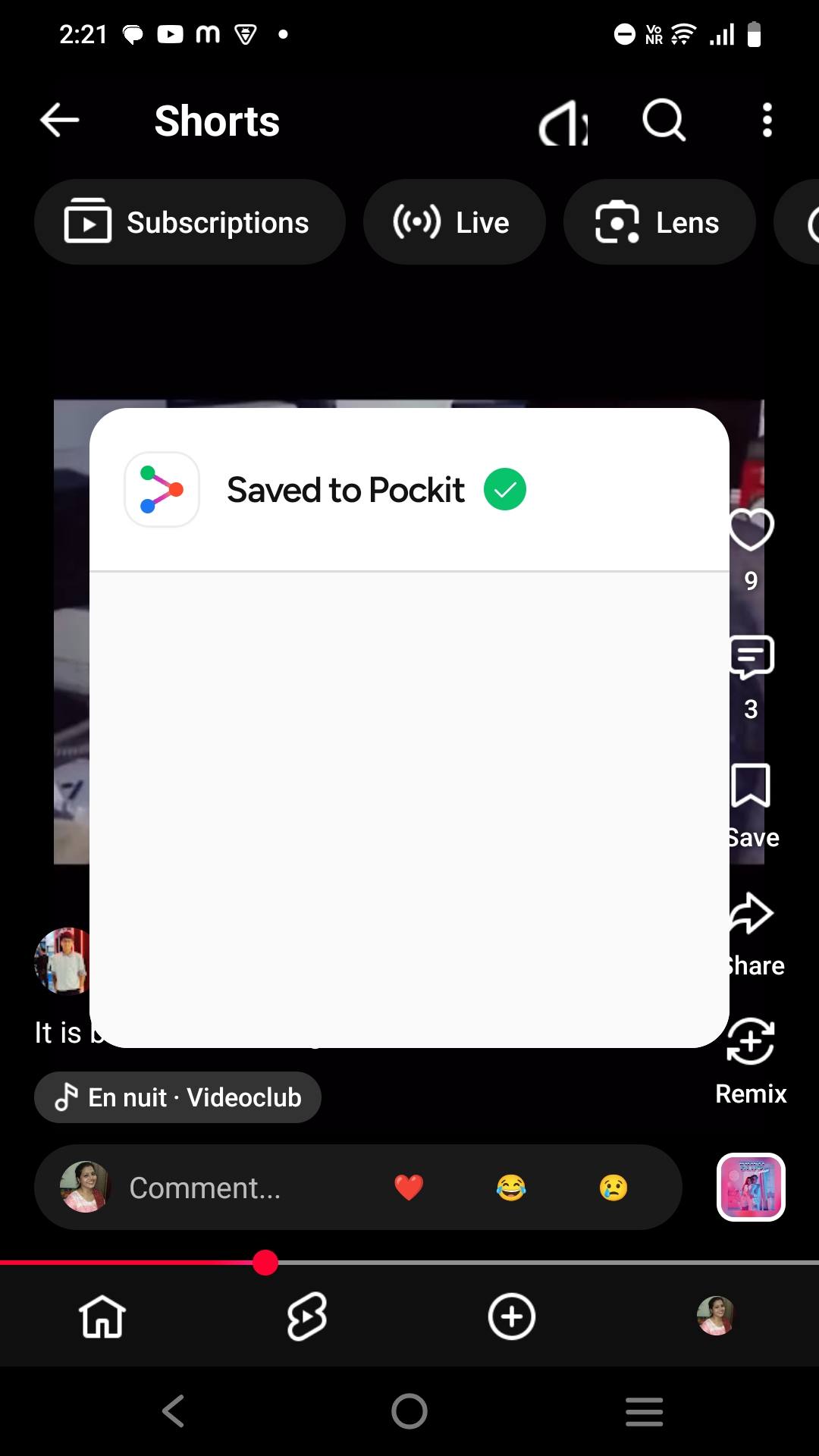
You can save any item in under a second. Just choose Pockit from your phone's share sheet. Pockit uses the native share sheet, so you save without ever opening the Pockit app.
A share confirmation screen overlays on whatever you are already looking at, for 1 to 2 seconds. You see it without opening the app and without depending on your network speed.
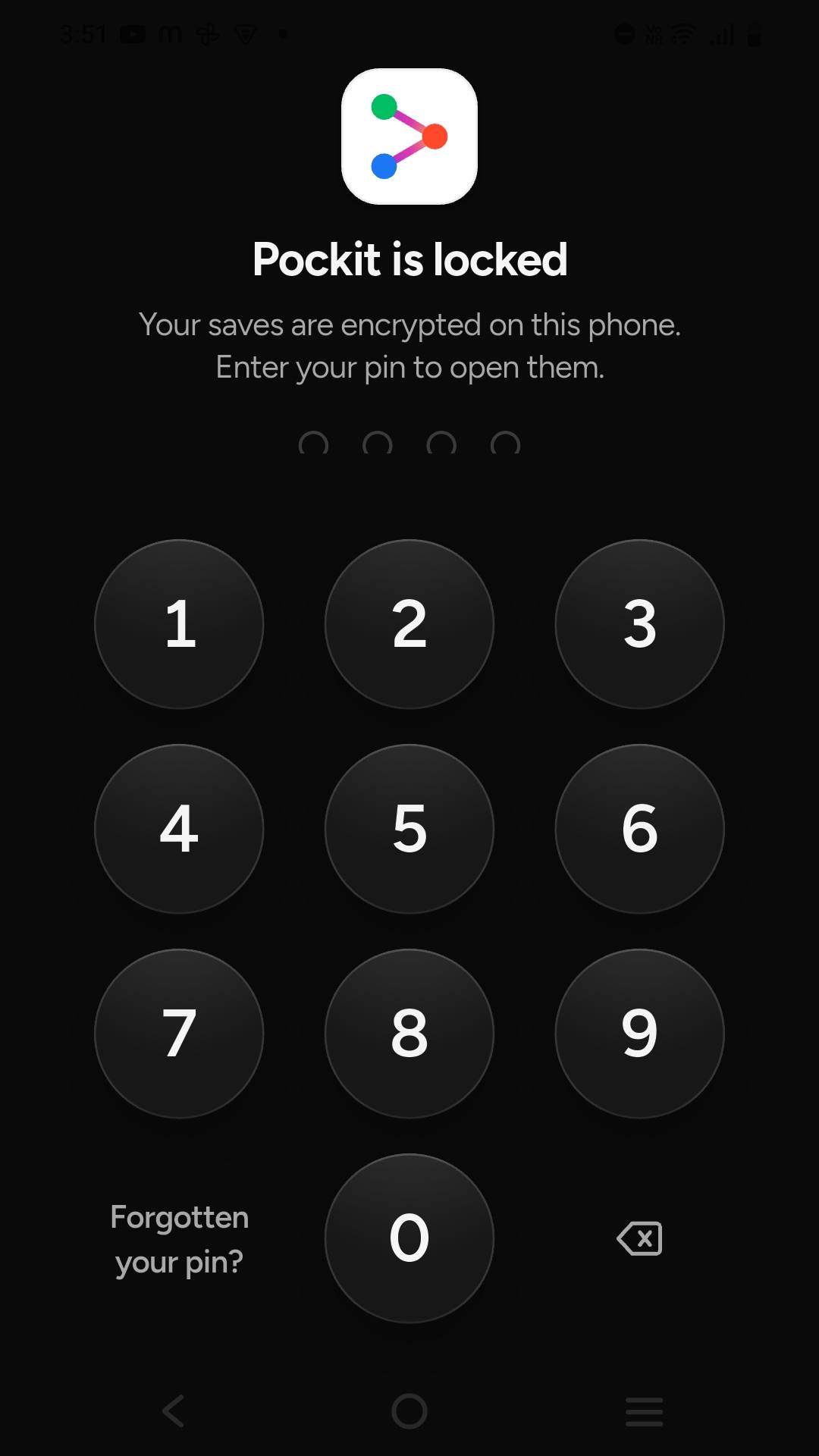
It works everywhere. On Instagram, on YouTube, or from your phone's own home screen. A screenshot, a document, a reel, anything you want to save. Pockit breaks no privacy on your device and asks for no unnecessary permissions. It is simply there in your share sheet.
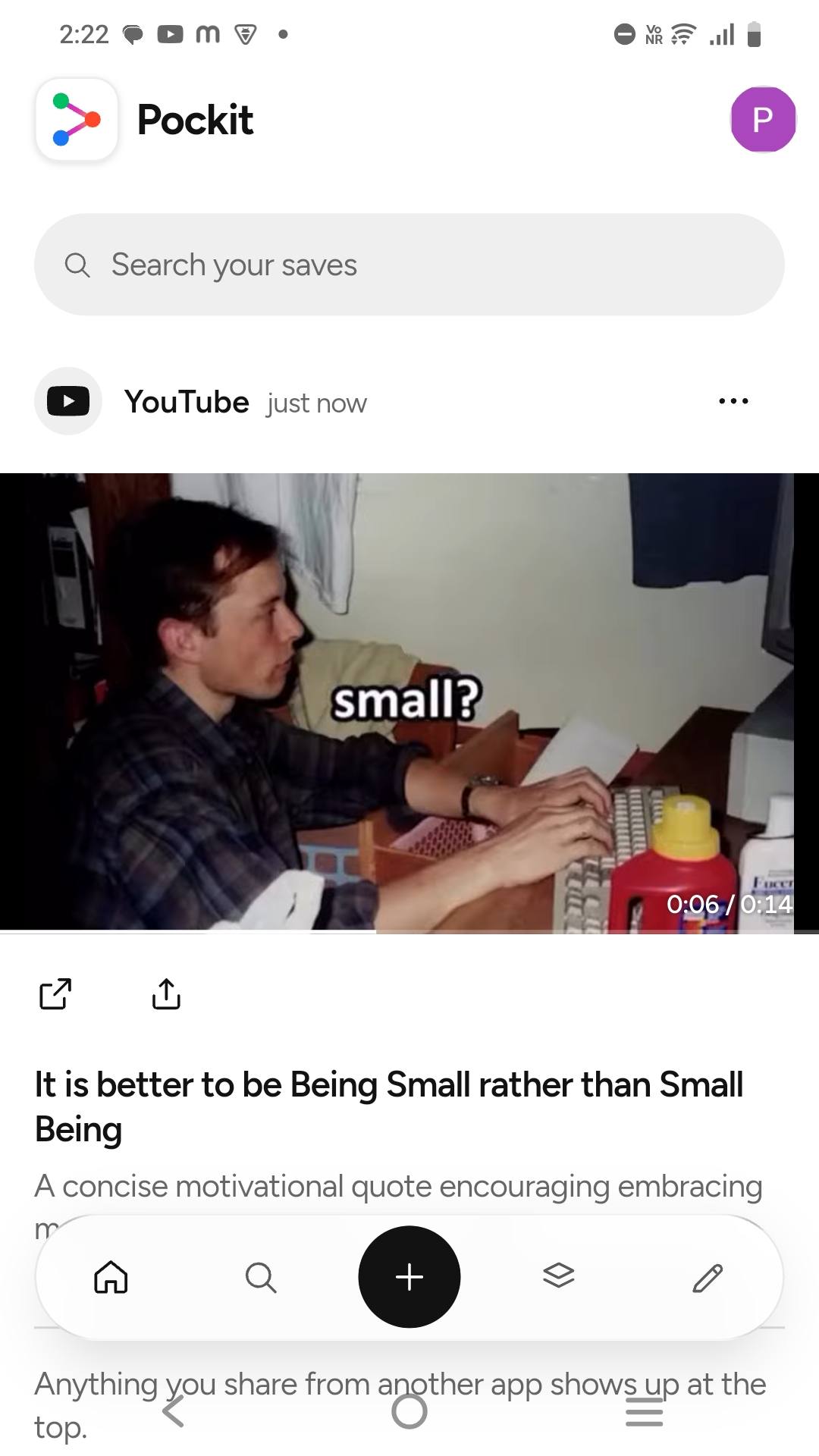
Pockit uses frontier technologies and intelligence layers to pull the real data behind the save, like the title and description. Then AI analyses it and saves it properly. Then it is categorised into a clean category, so your saves are organised.
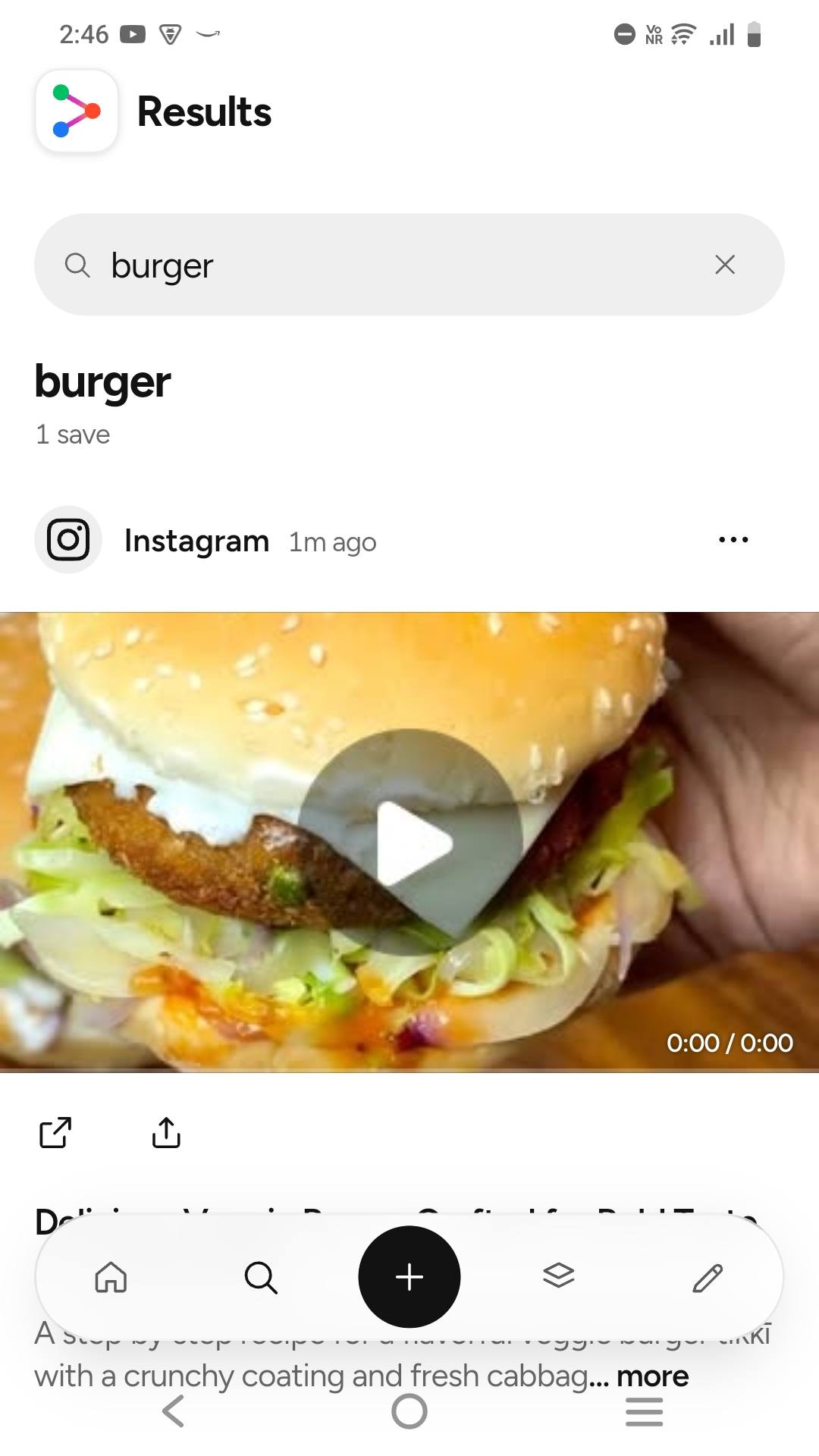
Pockit uses AI and advanced technologies to give high quality retrieval. Just type your query in the search bar, even a vague query, and Pockit finds the exact save for you in seconds.
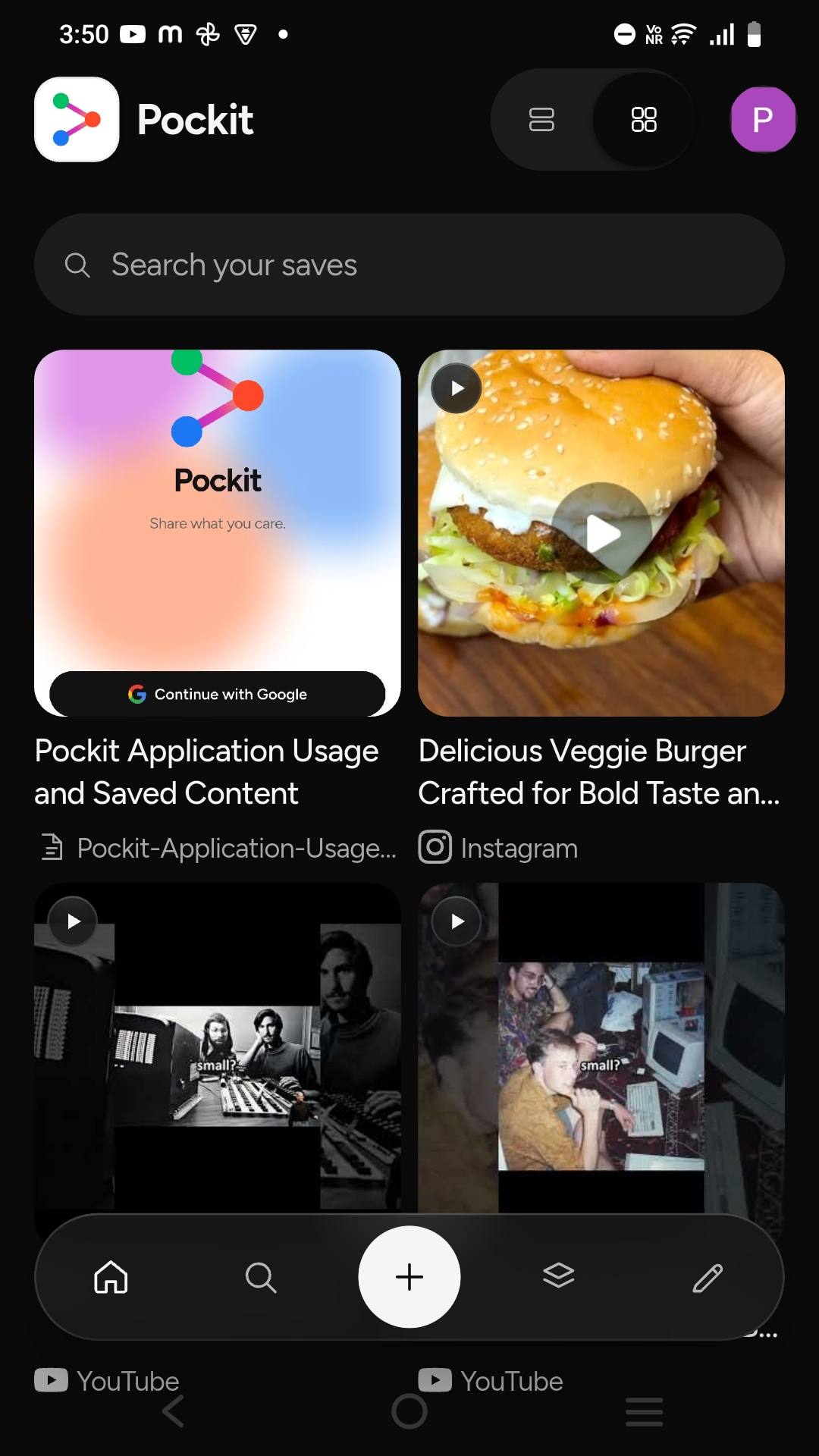
Saved reels and videos autoplay as you scroll, streamed straight from where they were posted. Open any reel, screenshot or document full screen, and tap once to show or hide the buttons.
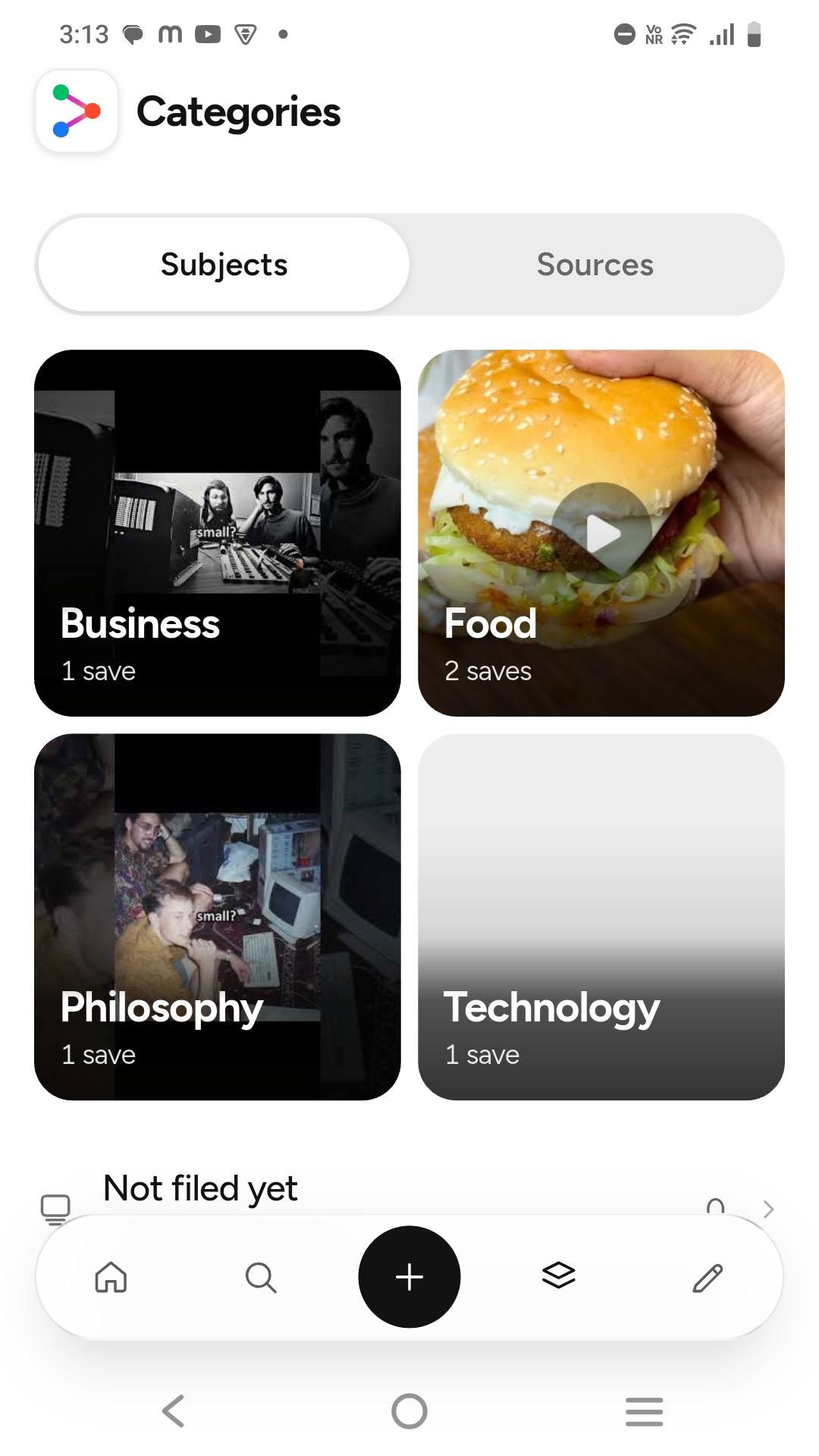
Pockit categorises every save by what it is about and where it came from.
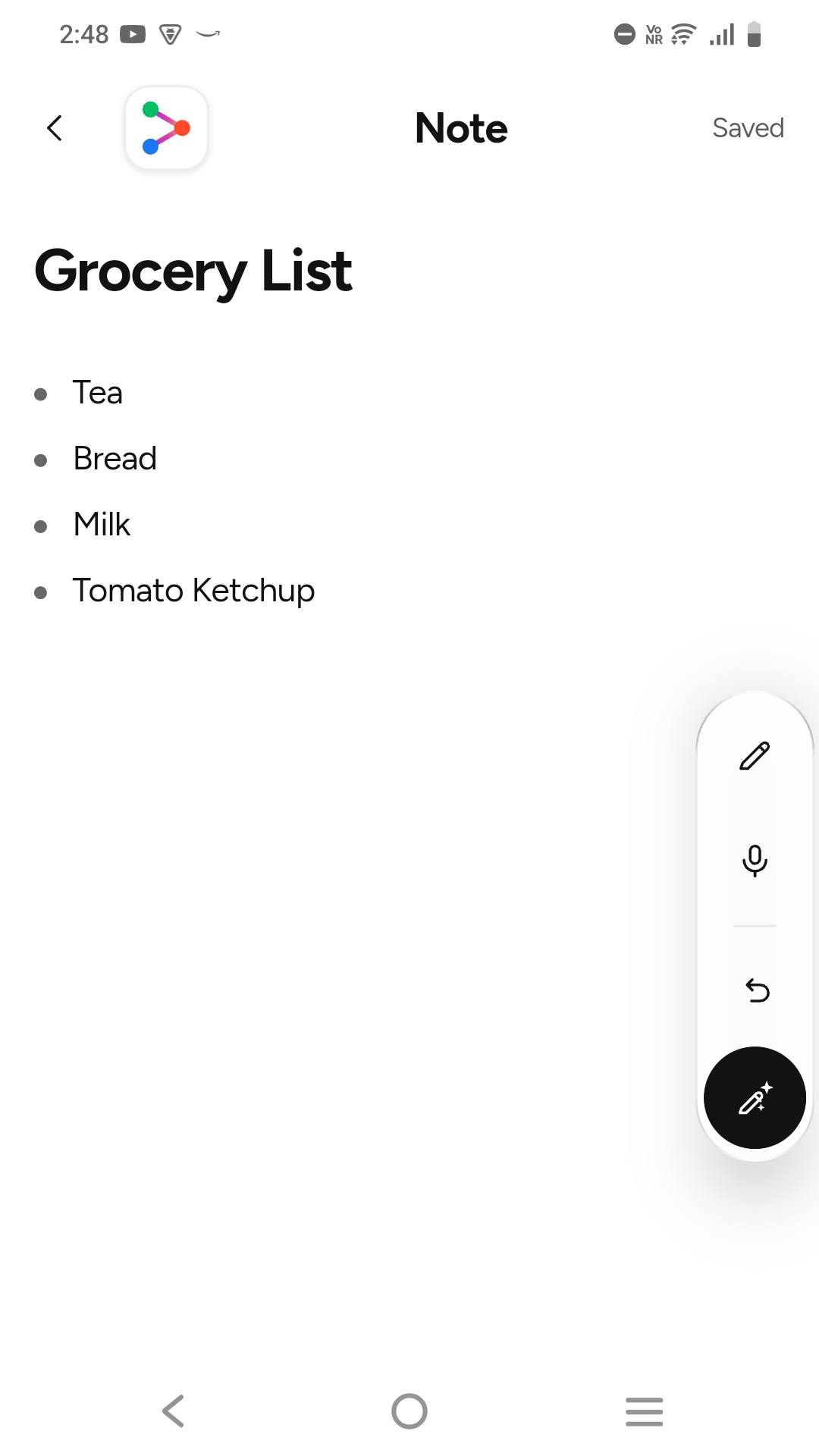
Organise your life and work simply with Pockit Notes. Create a note for grocery lists by typing, or with our dictation. Don't think about formatting and spelling. Just tap the AI format button and our AI cleans it up instantly.
A dedicated feature for students and professionals who work with images and documents. Convert multiple images into a single PDF you can download.
Every page stays searchable. Search "photosynthesis" and Pockit finds the exact page, even when the file name says nothing about it.